Account Settings
How to Use Account Settings. Open your account settings Open the FWFG app and tap the three vertical stripes in the top right corner of your screen to open your account settings.. Manage notification…

Updated
by Grant Harling
How to Use Account Settings
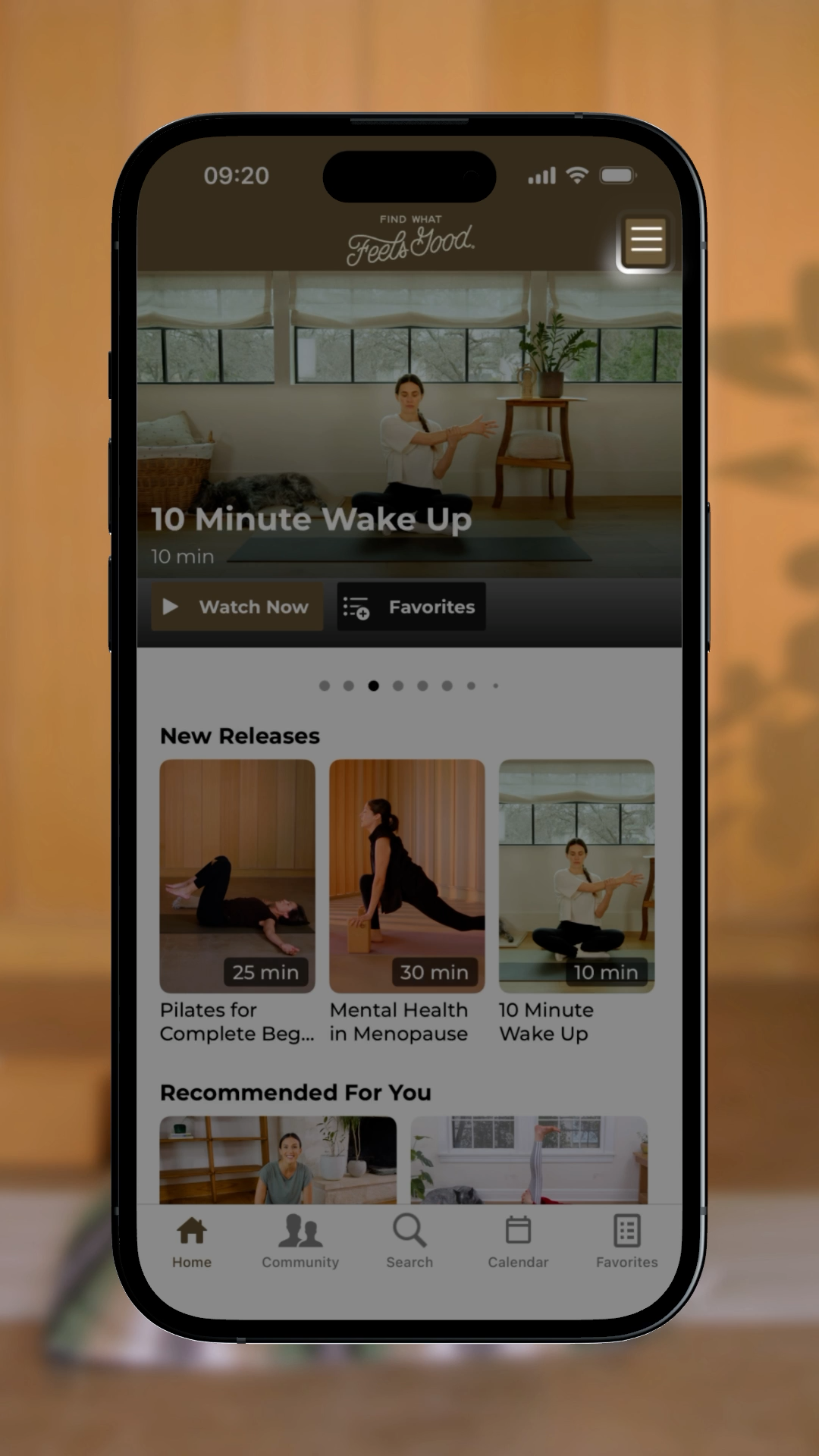
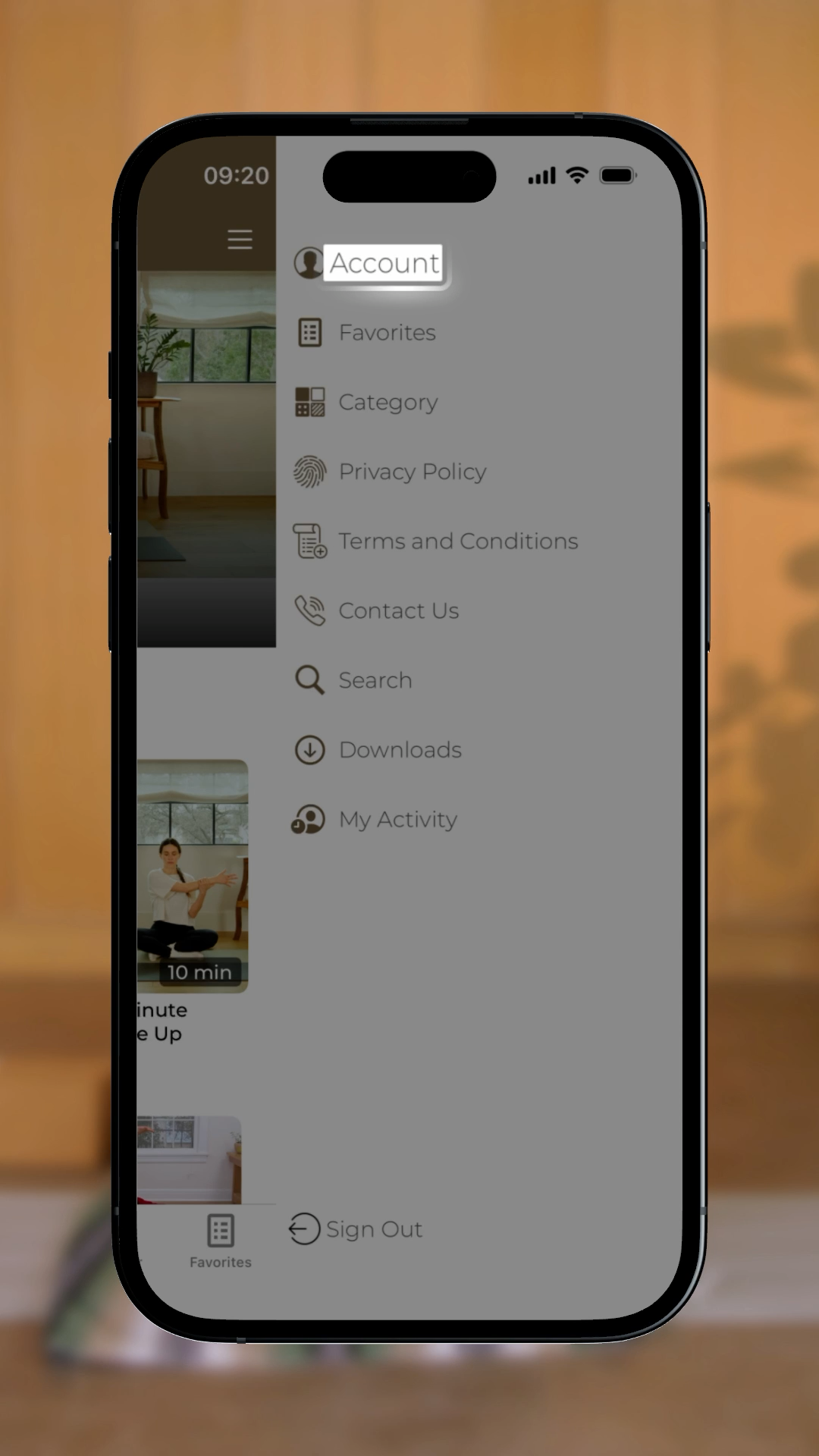
- Open your account settings
- Open the FWFG app and tap the three vertical stripes in the top right corner of your screen to open your account settings.
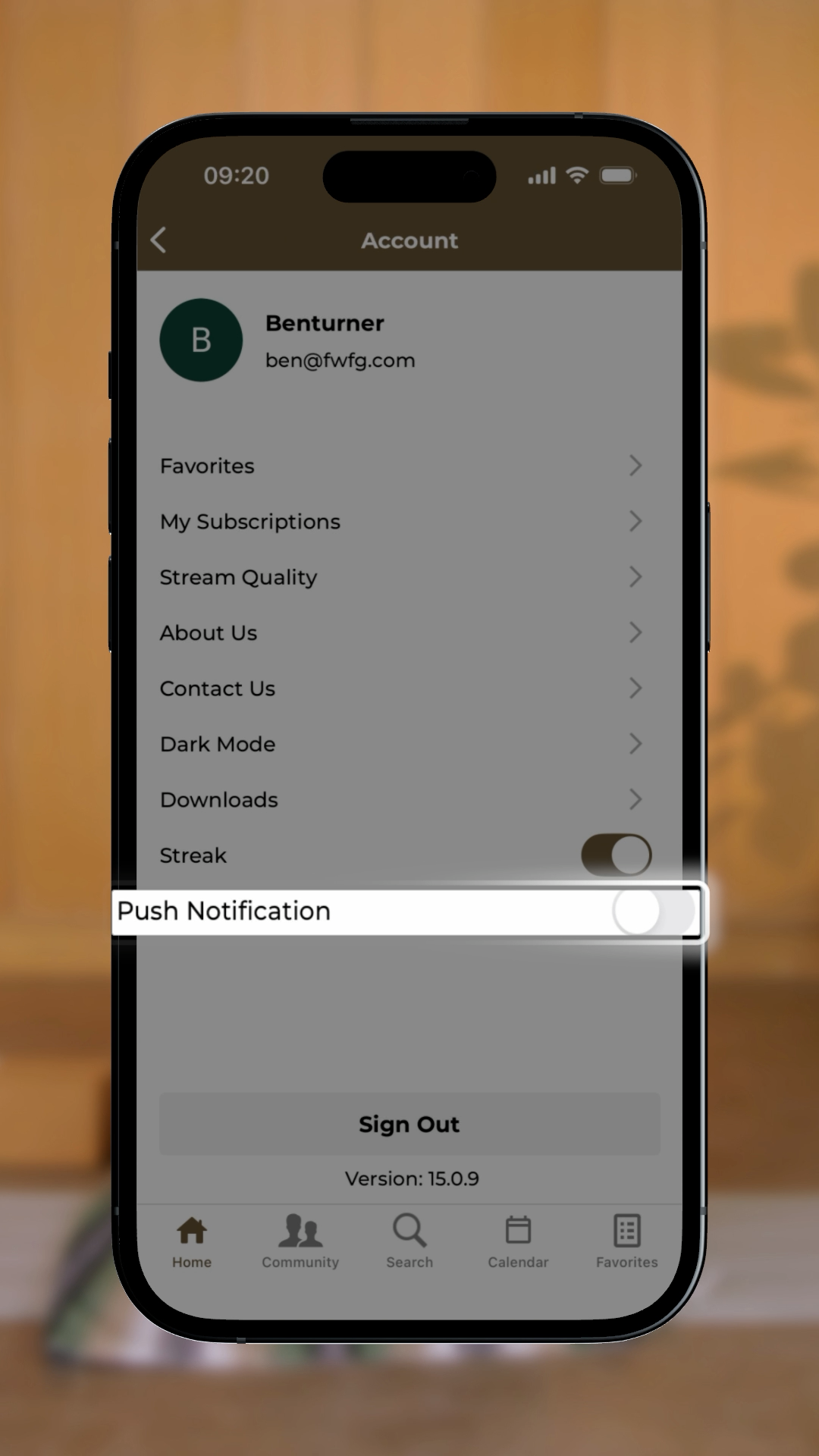
- Manage notifications
- From here you can manage your notification preferences to stay informed in a way that works for you.
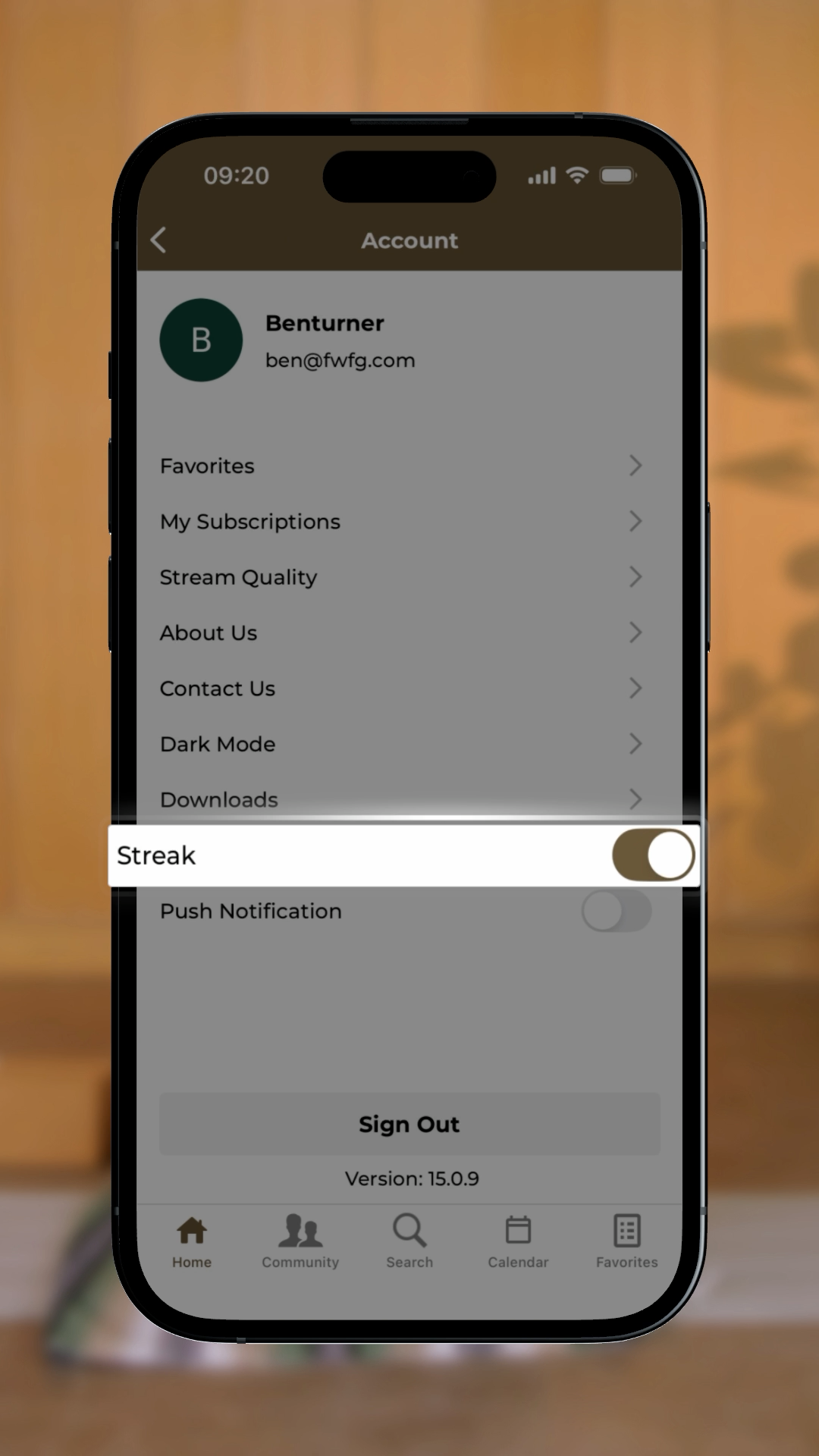
- Turn the streak feature on or off
- You can choose whether to keep the streak feature enabled. If you enjoy tracking your daily practice, leave it on. If you’d rather move at your own pace, toggle it off anytime.
- View your membership information
- Your account and membership details are available here in the app for easy reference.
- Update billing or email
- If you need to update your billing information or the email connected to your account, those changes need to be made on the FWFG website, as they can’t currently be updated inside the app.
- Apple subscription changes
- If your membership was purchased through Apple, any subscription or billing updates need to be managed directly through your Apple account settings. Click the text to the left, or go directly to: https://apps.apple.com/account/subscriptions
- Need help?
- If anything looks off or you need a hand, reach out anytime at [email protected].
 |  |
 |  |
How did we do?