Downloads and Offline Viewing
Downloads and Offline Viewing... How to download a video in the app. Open the FWFG app on your device. Select the video you want to practice. Tap Watch Now. Choose Download (located under the video p…

Updated
by FWFG Support
Downloads and Offline Viewing
How to download a video in the app
- Open the FWFG app on your device.
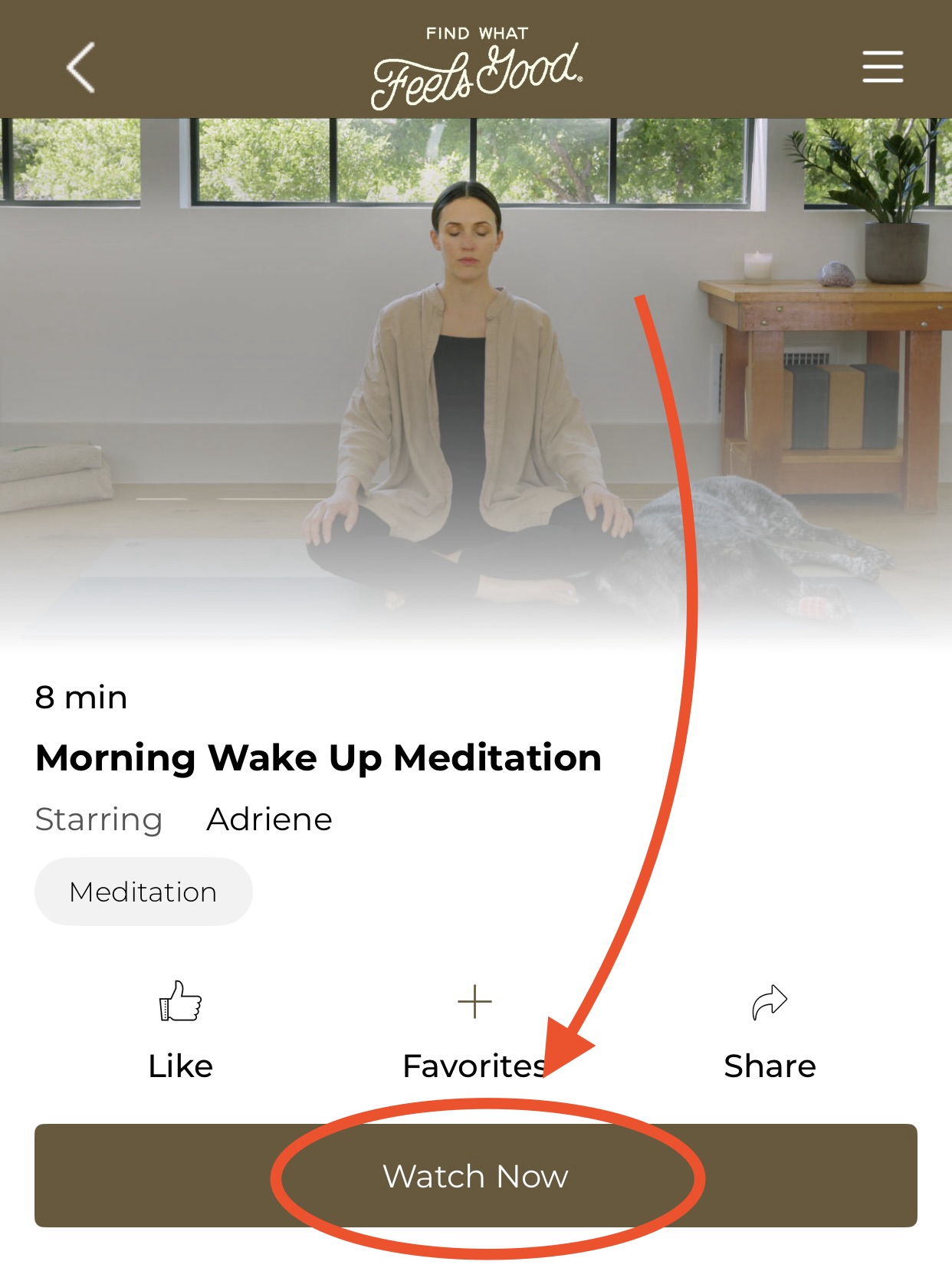
- Select the video you want to practice.
- Tap Watch Now.
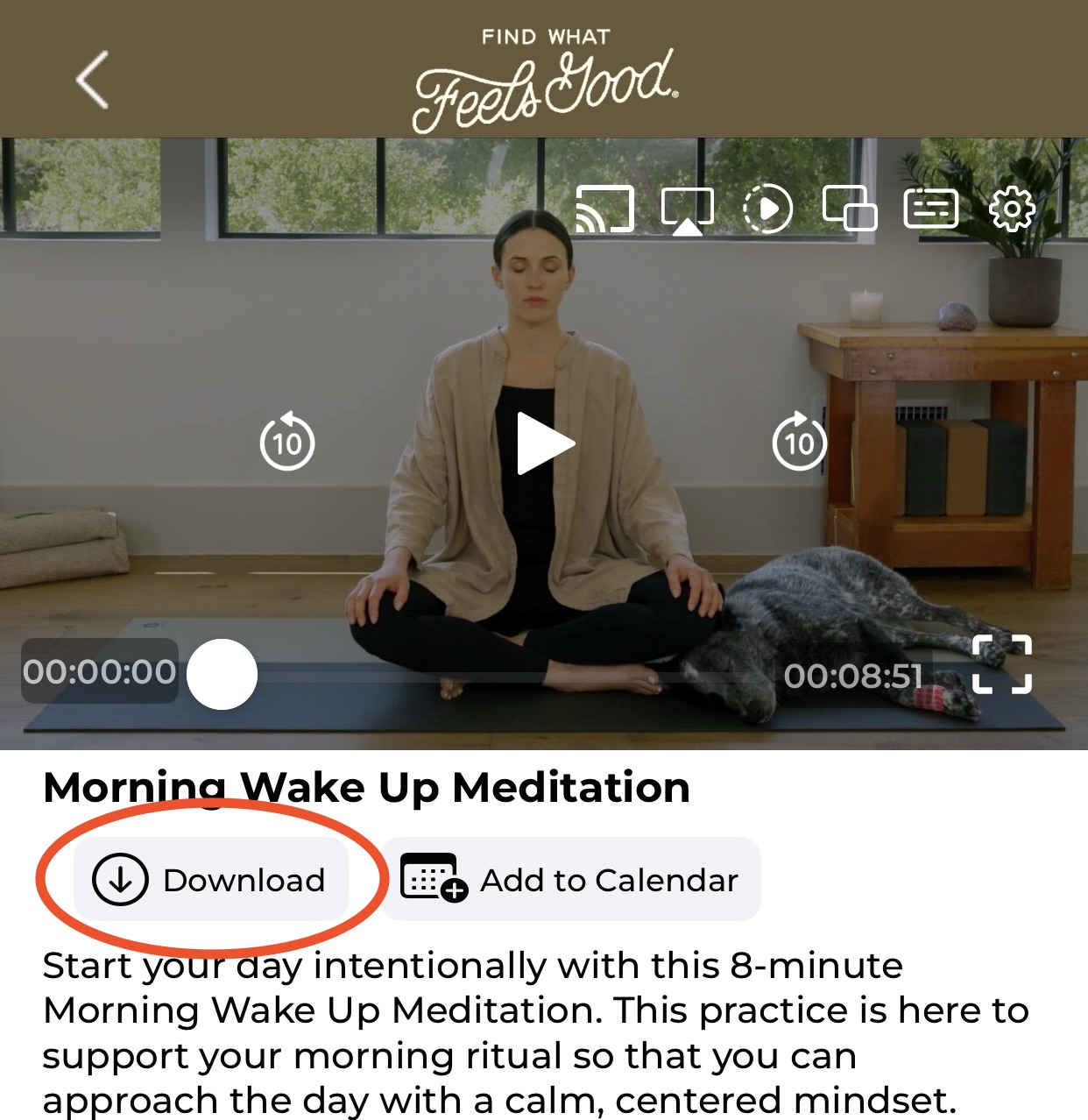
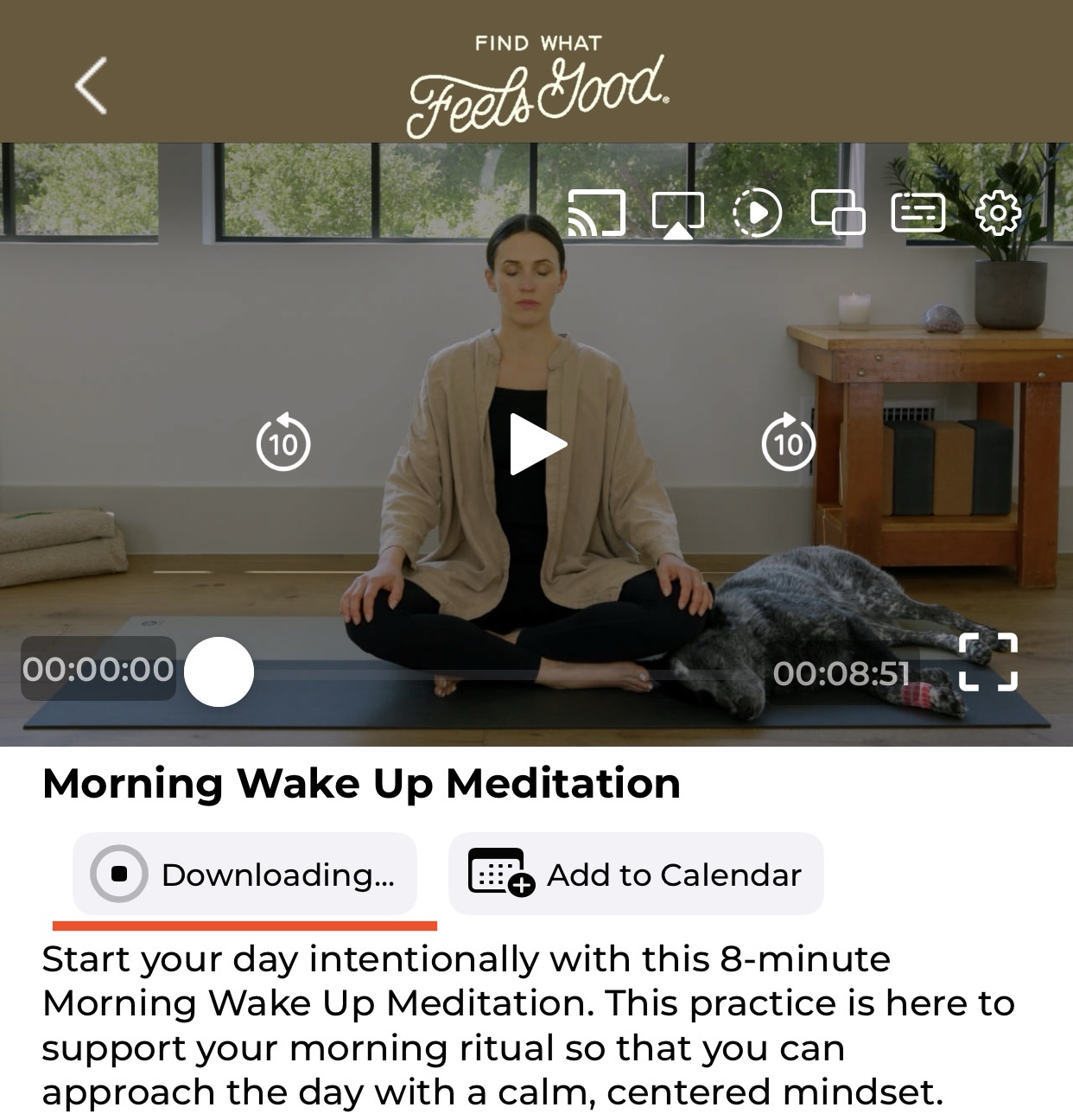
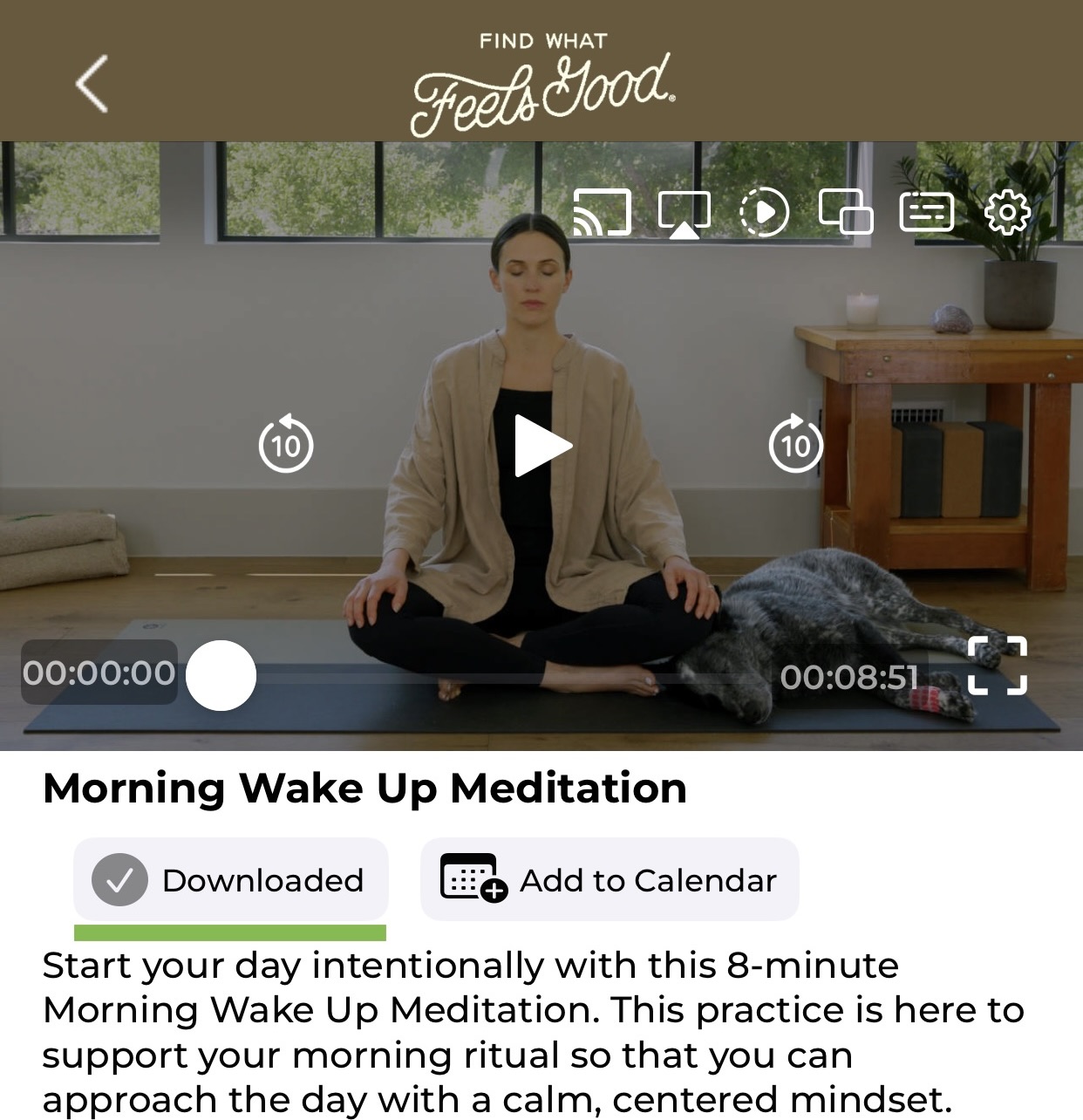
- Choose Download (located under the video player).
The exact steps may vary depending on your device (iOS, Android, etc.). If you are experiencing issues with downloading, please check the following:
Device Compatibility: Ensure your device and app version support downloading.
Storage Space: Verify that your device has enough available storage.
Download Location: Downloads are typically saved within the app itself.
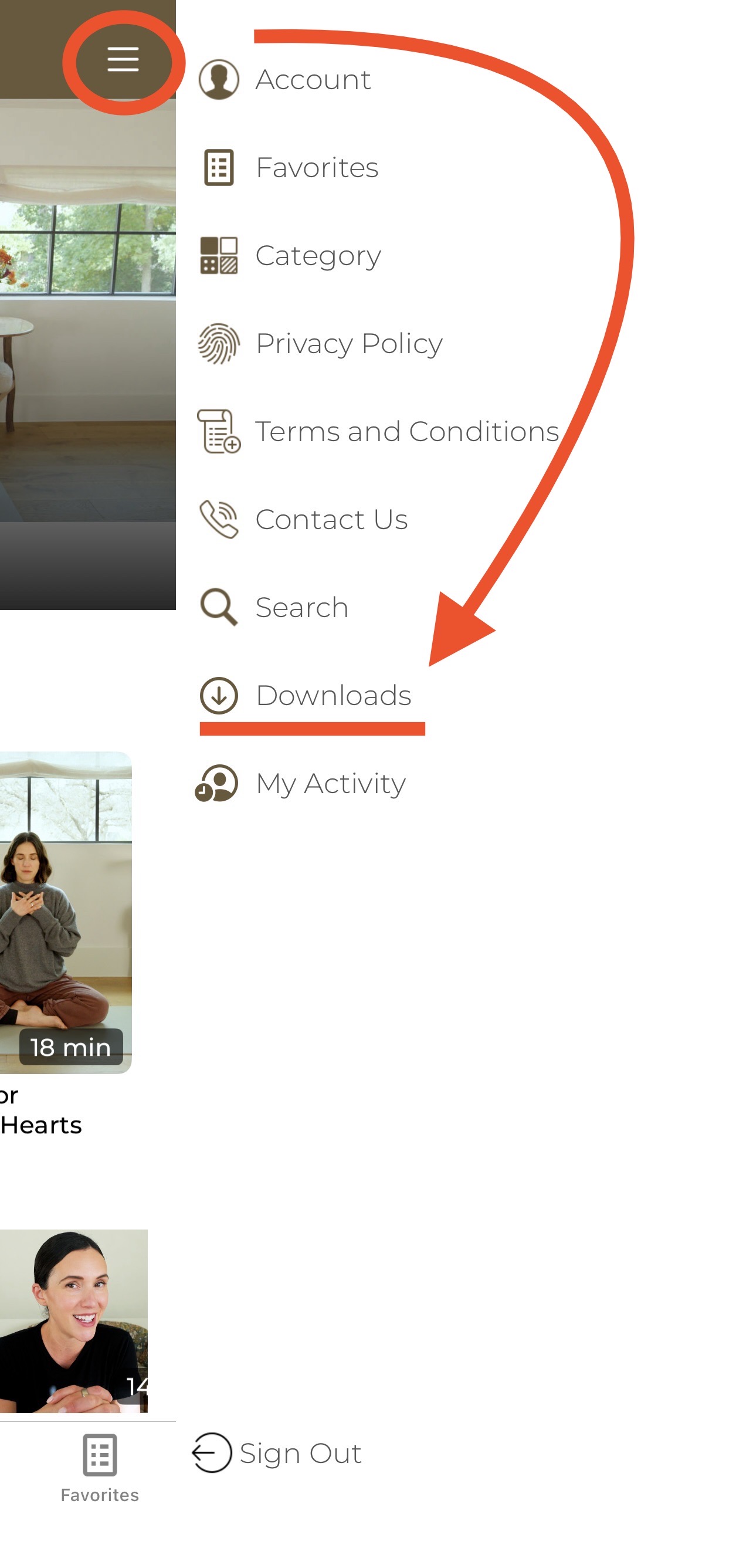
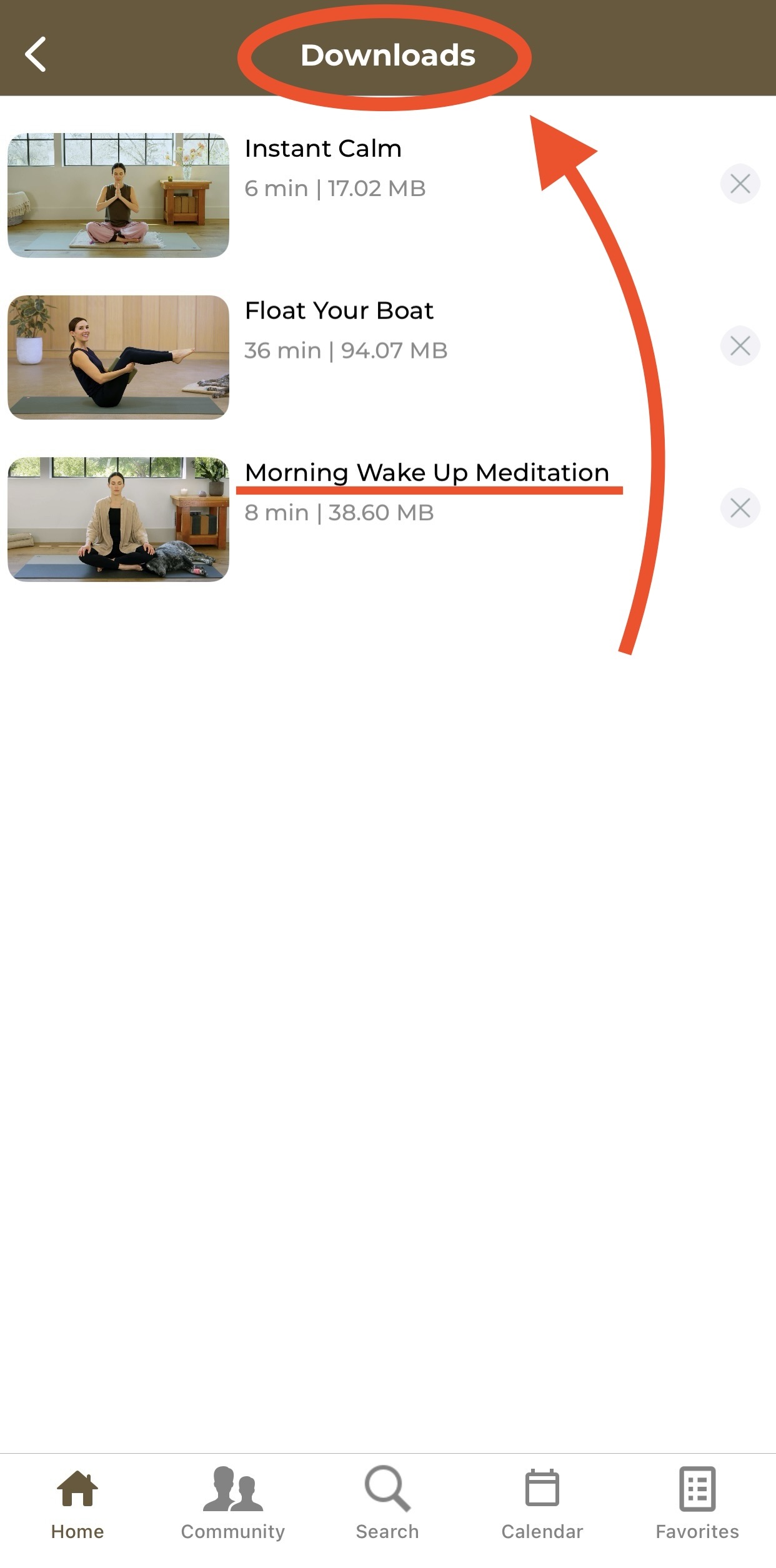
If you are having trouble finding your downloaded videos, they are typically located in a "Downloads" section within the app, which is usually found in the main menu or under your profile.
Can I download videos to watch offline?
Yes, video downloads are available exclusively within the FWFG app on supported mobile devices. Downloads are not available on the web/browser experience.
Supported Devices | Unsupported Devices |
iPhone | Smart TV apps |
iPad | Web/Browser |
Android mobile devices |
Note: Downloaded videos are stored on your device for 30 days.
How did we do?
How to Use the In-App Calendar